One product. Multiple engineering workflows.

GoCalc.AI brings your AI engineering tools together in one product.

GoCalc.AI combines our AI assistants for Revit, Excel, ETABS, and AutoCAD into a single product experience, so teams can work across modeling, calculation, drafting, and analysis with one clear platform.

Natural language control
Multi-software workflows
Built for engineering teams

A brief introduction to the platform

GoCalc.AI is designed to help engineers and technical teams move faster by turning plain-language requests into actions inside the software they already use.

Whether the task is shaping a building model, updating a workbook, exploring a structural model, or editing a drawing, GoCalc.AI gives teams a simpler way to work by reducing menu hunting, repetitive clicks, and disconnected workflows.

The goal is straightforward: one product name, one product story, and one AI-driven workspace that supports real engineering production from concept to documentation.
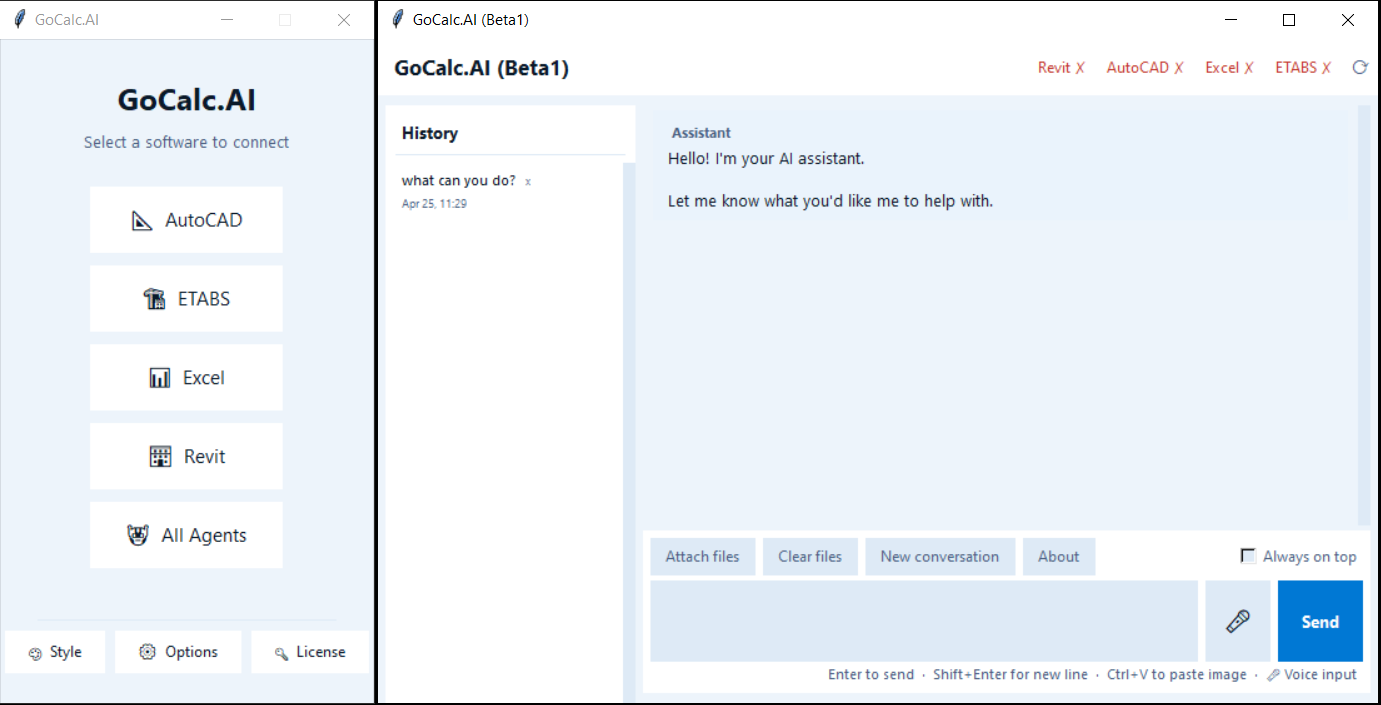
GoCalc.AI product overview

Modeling

Use GoCalc.AI with Revit and AutoCAD to create, inspect, and update project geometry through direct commands.

Calculation

Work with Excel-based engineering data, formulas, tables, and automation in a more natural way.

Analysis

Support ETABS workflows for building structural models, running analysis, and reviewing results with less friction.
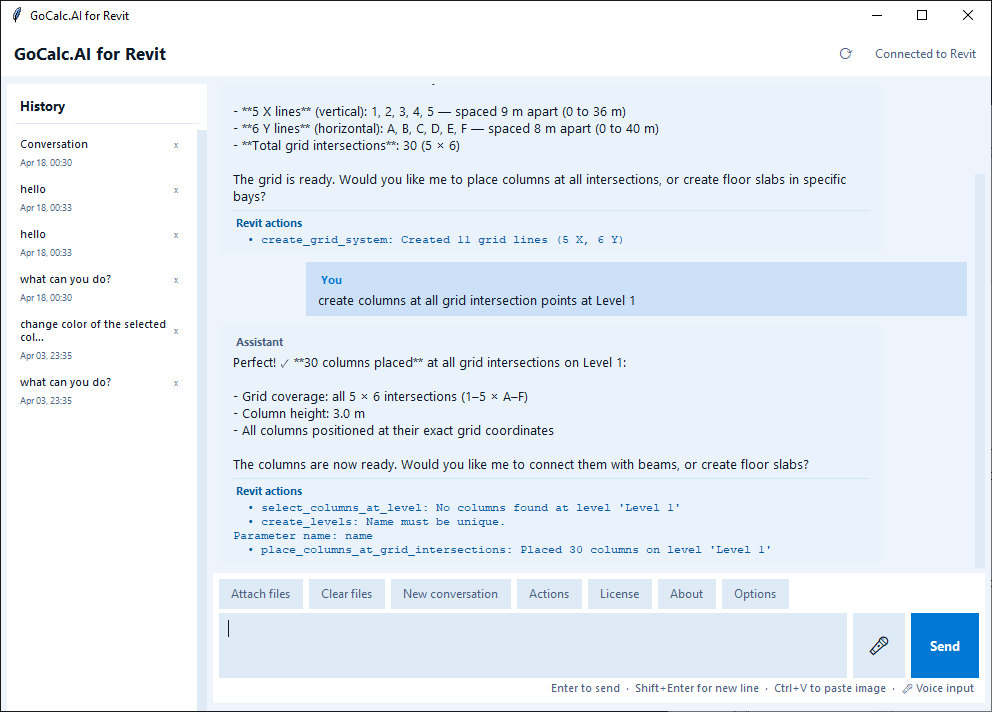
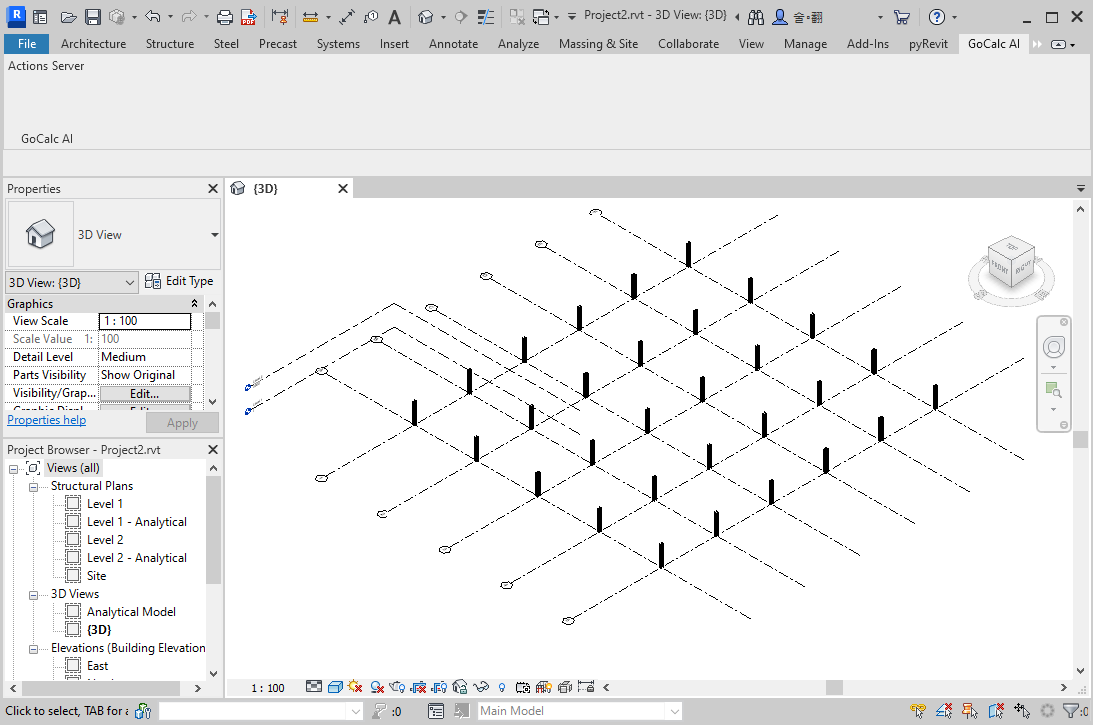
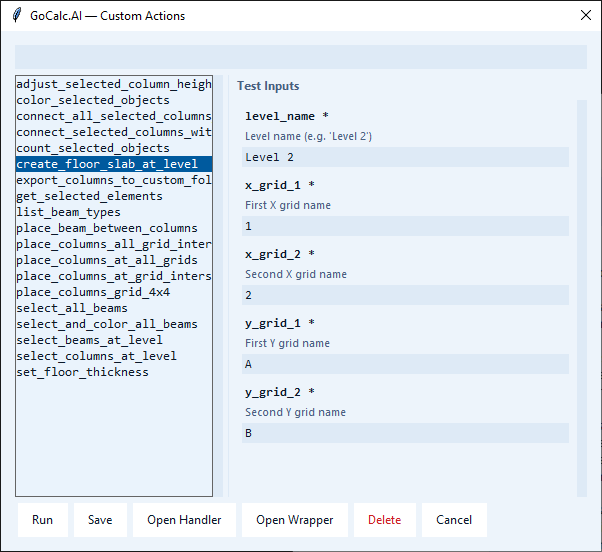
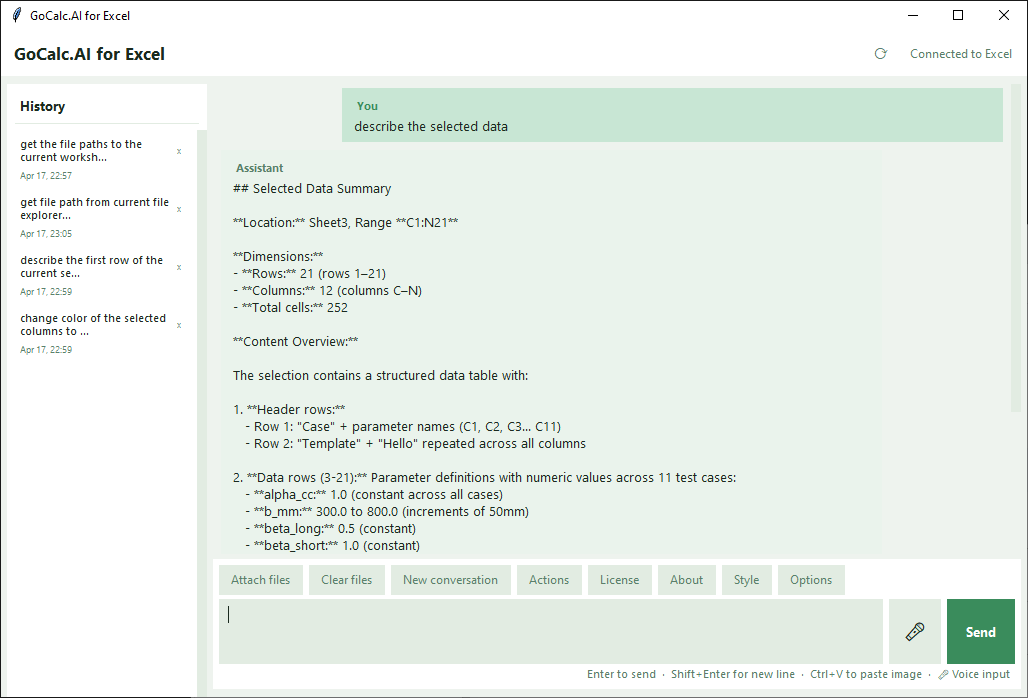
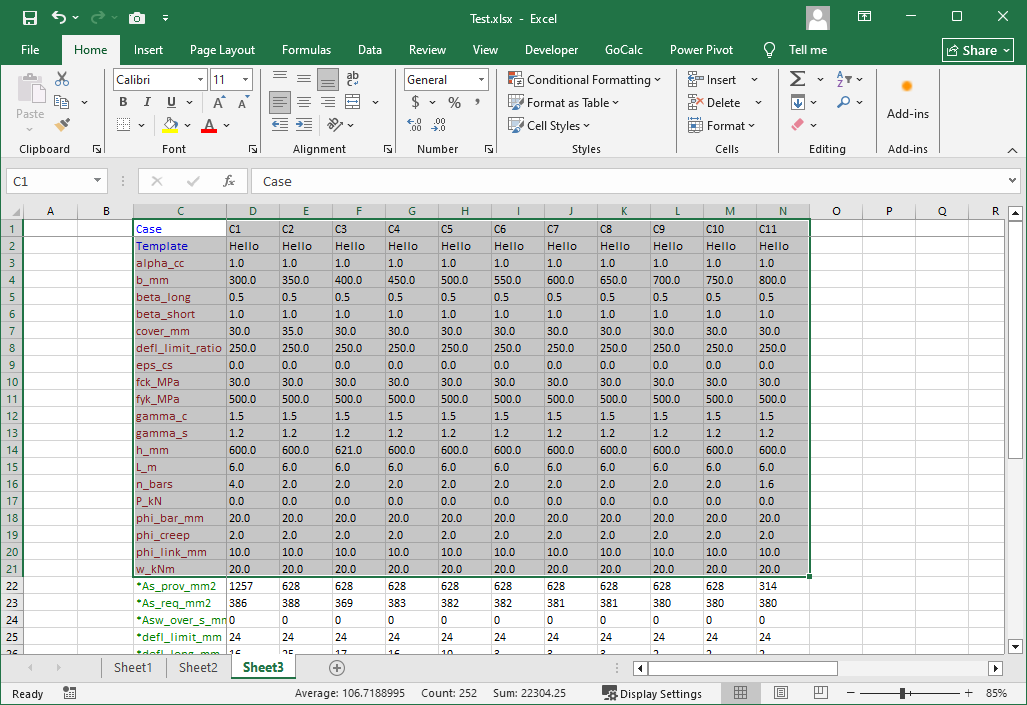
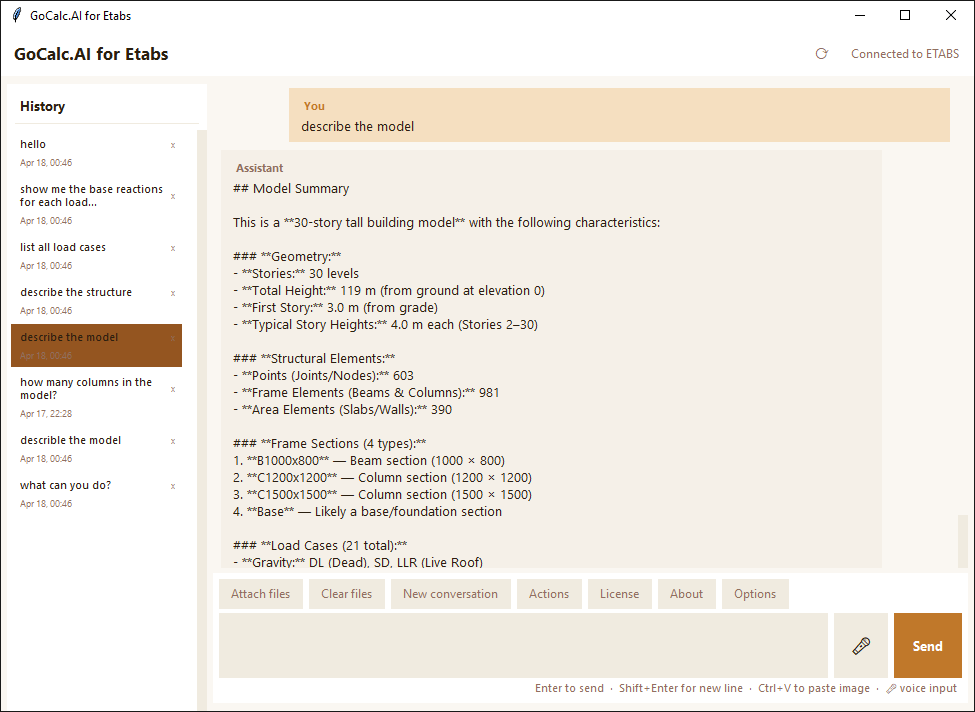
Nine views from the GoCalc.AI workspace

These screenshots give a quick feel for how GoCalc.AI fits into real engineering software environments across its connected workflows.

GoCalc.AI Revit workspace

Revit-connected workspace

Natural-language interaction alongside live model coordination.

GoCalc.AI Revit model view

Live Revit model output

Model changes can be visualized directly in the active Revit environment.

GoCalc.AI Revit actions browser

Revit actions browser

Built-in and custom actions are organized in a focused control panel.

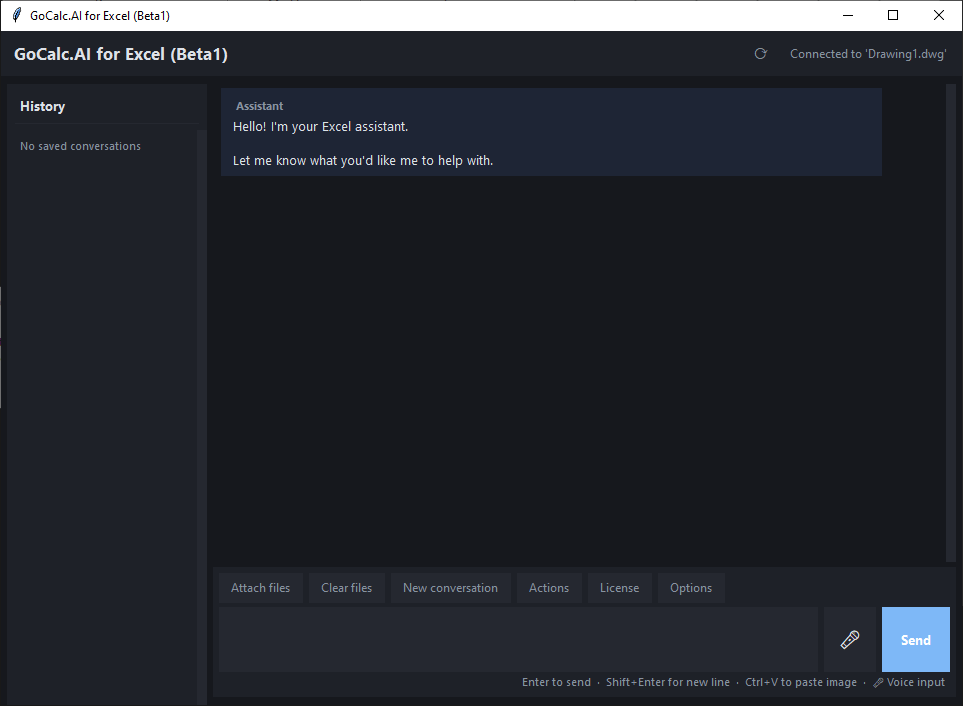
GoCalc.AI Excel main workspace

Excel command workspace

The assistant stays close to workbook tasks and spreadsheet context.

GoCalc.AI Excel workspace

Excel workflow support

AI assistance positioned around spreadsheet-driven engineering tasks.

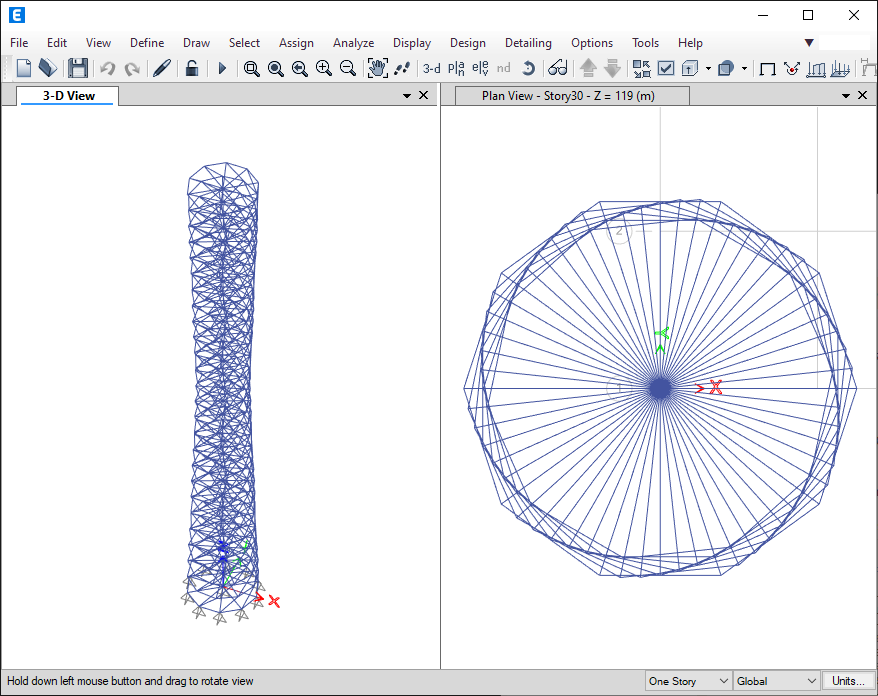
GoCalc.AI ETABS main workspace

ETABS chat workspace

Conversation, workflow context, and model access are kept in one place.

GoCalc.AI ETABS workspace

ETABS model interaction

Structural analysis workflows presented as part of the same product story.

GoCalc.AI AutoCAD main workspace

AutoCAD command panel

Drawing-related prompts and AI responses stay close to the drafting workflow.

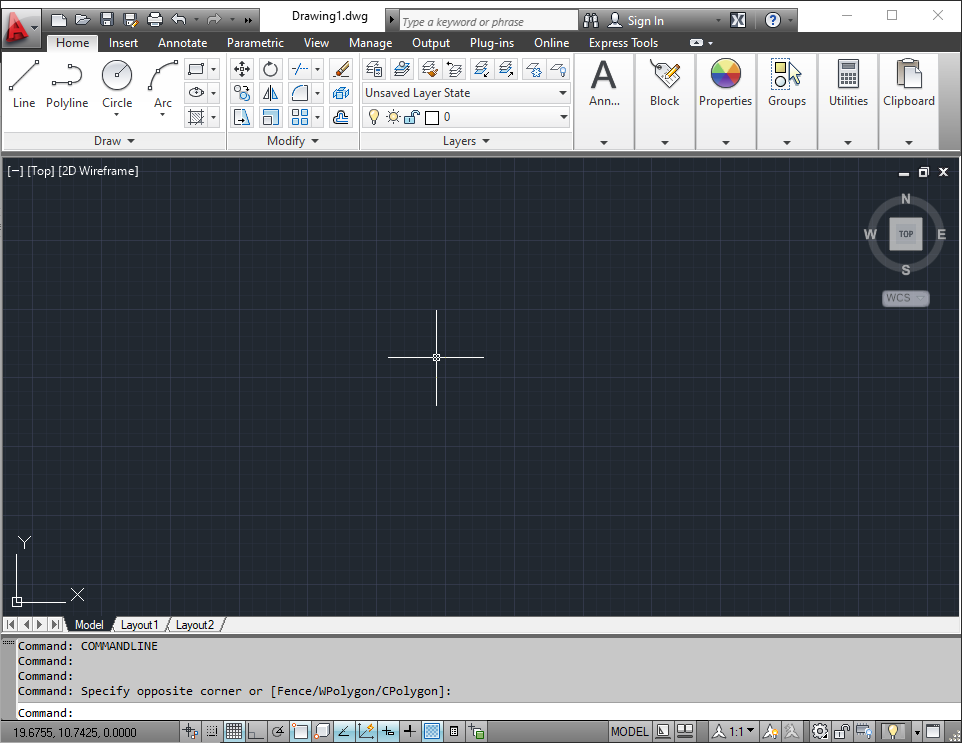
GoCalc.AI AutoCAD drawing view

AutoCAD drawing updates

Plain-language requests connect back to active drawing changes and geometry edits.

Built around the way engineering teams actually work

GoCalc.AI is not just a chat layer. It is positioned as a practical AI product for production work across design, drafting, calculations, and analysis.

Unified Product

One clear offering

GoCalc.AI simplifies the product story by presenting all AI tools under one name instead of multiple separate product pages.

Engineering Focus

Made for technical workflows

Every integration is aimed at the real software environments engineers use for coordination, calculation, and delivery.

AI Assistance

Faster work with less friction

Plain-language commands help users move from intent to action more quickly across multiple parts of the project workflow.

Learn each GoCalc.AI workflow

Open the written tutorials for each workspace, from the Excel addin to individual software agents and the combined All Agents workflow.

Interested in GoCalc.AI?

Contact us to learn more about the unified GoCalc.AI product, licensing, and how it can fit into your engineering workflow.